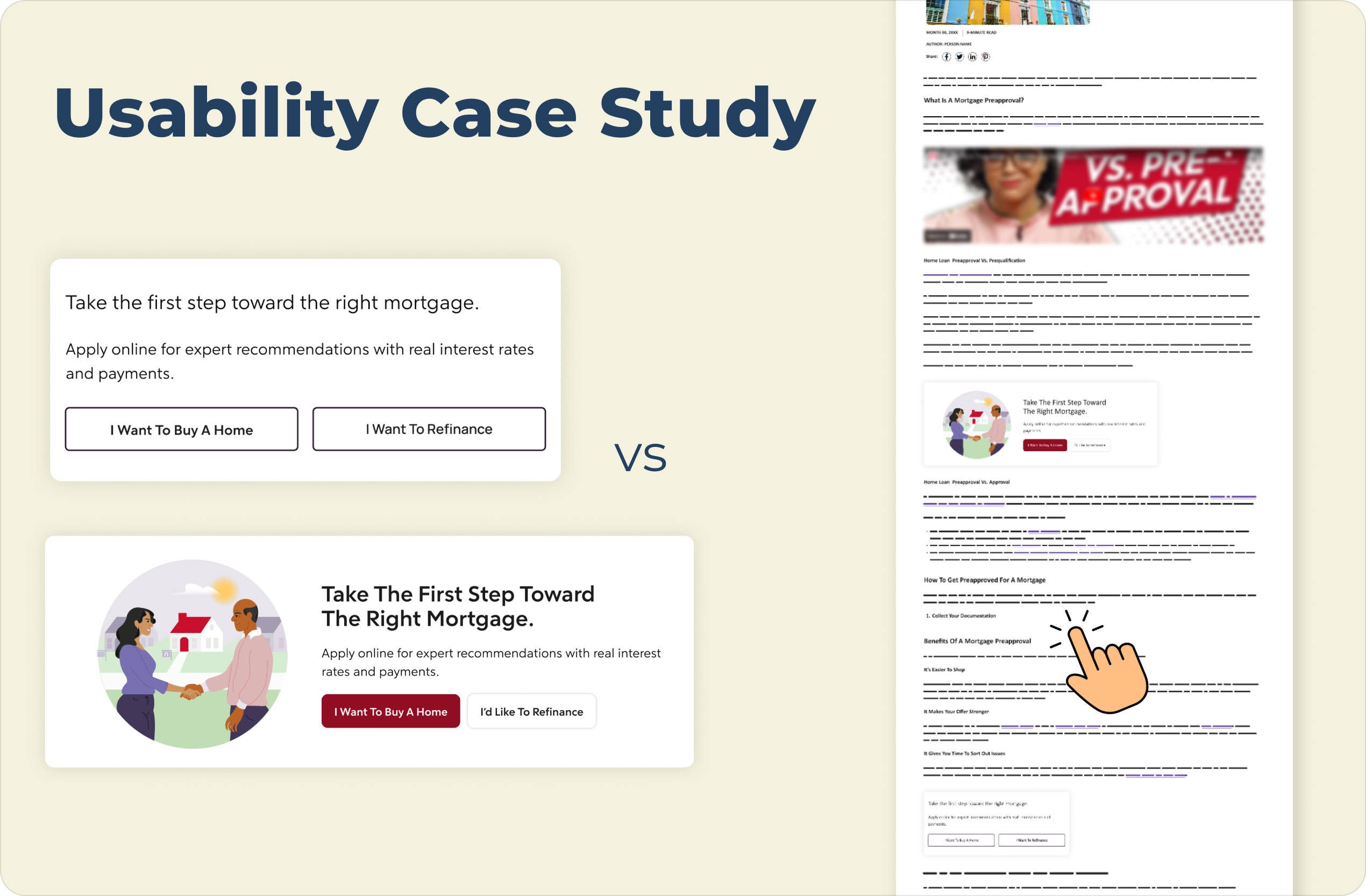

An image showing a usability case study comparison of a mortgage webpage, presented on a light cream background. On the left are two vertically stacked versions of a mortgage call-to-action block:

The top version is a "Control" with the title "Take the first step toward the right mortgage." text below that reads "Apply online for expert recommendations with real interest rates and payments.", and two side-by-side outline buttons with light gray backgrounds labeled "I Want To Buy A Home" and "I Want To Refinance".

The bottom version is a "Variation" in a wider, horizontal card with an illustration on the left of two people shaking hands in front of a house. The title on the right reads "Take The First Step Toward The Right Mortgage.", text below that reads "Apply online for expert recommendations with real interest rates and payments.", and two buttons below the text: a solid maroon button labeled "I Want To Buy A Home" and a solid white button labeled "I'd Like To Refinance".

A large navy blue title "Usability Case Study" is at the top left, and the text "VS" is centered between the two examples. On the far right is a vertical mockup of a complete webpage that includes a header, article text, and images, and features a hand pointer icon hovering over text and lines near the bottom.

Strategic Conversion Optimization:

Balancing Visual Design with User Intent
Working with a national mortgage company, the client team often wanted to default to aesthetic refreshes to drive growth, showing little to no success. To move beyond stagnant conversion metrics, I suggested and led a usability study to identify the specific elements and placements that resonated most with users navigating educational articles.
By introducing a usability study to analyze behavioral patterns within the article page, the focus shifted from visual trends to sound data. This pivot identified exactly how users transition from research into action, ultimately aligning design strategy with the practical needs of prospective homeowners.
Methodology
Usability Testing
Design Strategy
Prototyping
User Interviews
A/B Testing
Conversion Rate Optimization (CRO)

What difference did this project make?

blue speech bubble to represent communication
85%
of participants prioritized clear communication
pink button with the word "action" inside and a grey mouse cursor hovering over it as if to click it
40%
favored actionable but aesthetically simple CTAs

Information gathered from this study ended internal debates about aesthetic styles, allowing the team to focus on high-performing, context-rich placements that drive measurable results.

How did we get there?

The Problem: 
Stagnant Conversion Rates
Despite frequent design iterations within 3-week sprint timelines, lead generation remained flat. We needed to pinpoint why users were not engaging with CTAs during their research phase. This gap suggested that our design assumptions did not match the mental modals of users seeking home loans.
*Visuals changed in mockups to hide client identity (NDA)

Failed Test 1

A client CTA made up of a white box and red outline with the words "Tested. Trusted. Top-rated. Visit [client name] to get a proven real estate agent that's handpicked for you" with a red button under the text saying "Go to [client name]"
The red outline was added to try to emphasize the CTA but the test negatively impacted the number of leads by 8.67%.

Failed Test 2

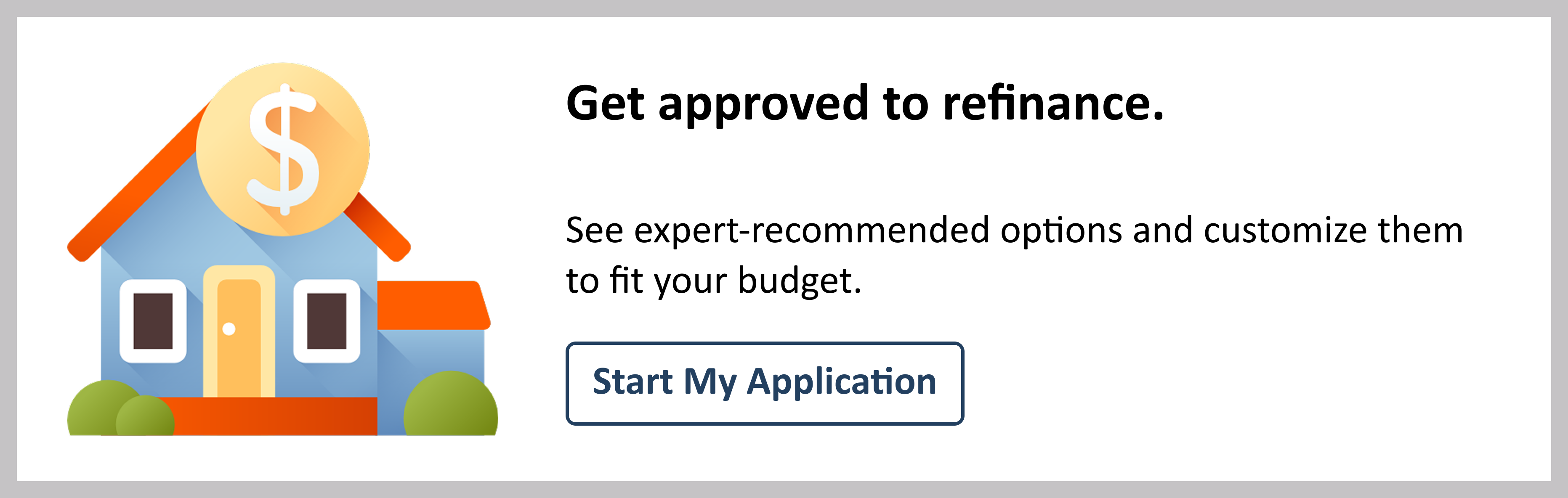
A client CTA made up of a white box and light grey outline. Within the box to the left is the image of a blue house with a red roof and a large coin on the roof to indicate money. To the right of the house is two lines of text and a button on the bottom. The title text says "Get Approved to refinance" followed by subtext that says "See expert-recommended options and customize them to fit your budget." The button below the text is white with dark blue outline and dark blue text that says "Start my application"
A series of illustrations were tested to see if this addition could improve conversion rates, but this test showed -11.2% visit to lead over 25 days.

The Process

Conduct a usability study to uncover user behavior in articles
I proposed, led and conducted a study where 20 participants engaged with mortgage preapproval content to establish a realistic user mindset before completing the task of moving forward with next steps to secure a loan.
6 click point options were provided within the prototype to interact with on the page consistently for each group. Each participant choice was evaluated by design, content, and page location within the participant feedback questions.
Methodology: 
Create a consistent, non-biased experience
By observing how users navigated the page after reading, I was able to identify which design patterns proved to be most trustworthy and convenient to users during a high stress financial decision.
  • Order Bias Mitigation: The study used a split set participant group to ensure order did not skew results.
  • Unmoderated Usability Testing: Real-time decision making was observed during task completion through recordings and click points.
  • Qualitative Interviews: Feedback was gathered on what specific visual cues prompted an immediate click.
*Visuals changed in prototype to hide client identity (NDA)

The Solution:

Strategic prioritization of functional clarity over decorative elements

By observing how users navigated the page after reading, I was able to identify which design patterns proved to be most trustworthy and convenient to users during a high stress financial decision.

Illustration of a blue-toned blank web page with the bottom portion folded and arrows pointing up to highlight the top portion of the web page.

Above the fold

User behavior proved placement should be prioritized over design style
An illustration with the word "context" highlighted by a yellow box with non-descript lines of text above and below

Relevance

Users were more likely to click CTAs in close proximity to contextually relevant content

Future Impact & Evolution

Scaling from component testing to brand strategy
These results transformed internal design culture by replacing aesthetic opinions with a rigorous experimentation model. Proving that users value navigation and relevance over decorative visuals allowed the team to streamline future testing and design decisions to align with the research.
If you want to see how the findings of this study impacted future testing ideas, check out my CRO Case Study to see how these insights drove a larger strategic shift.

Check out my other projects:

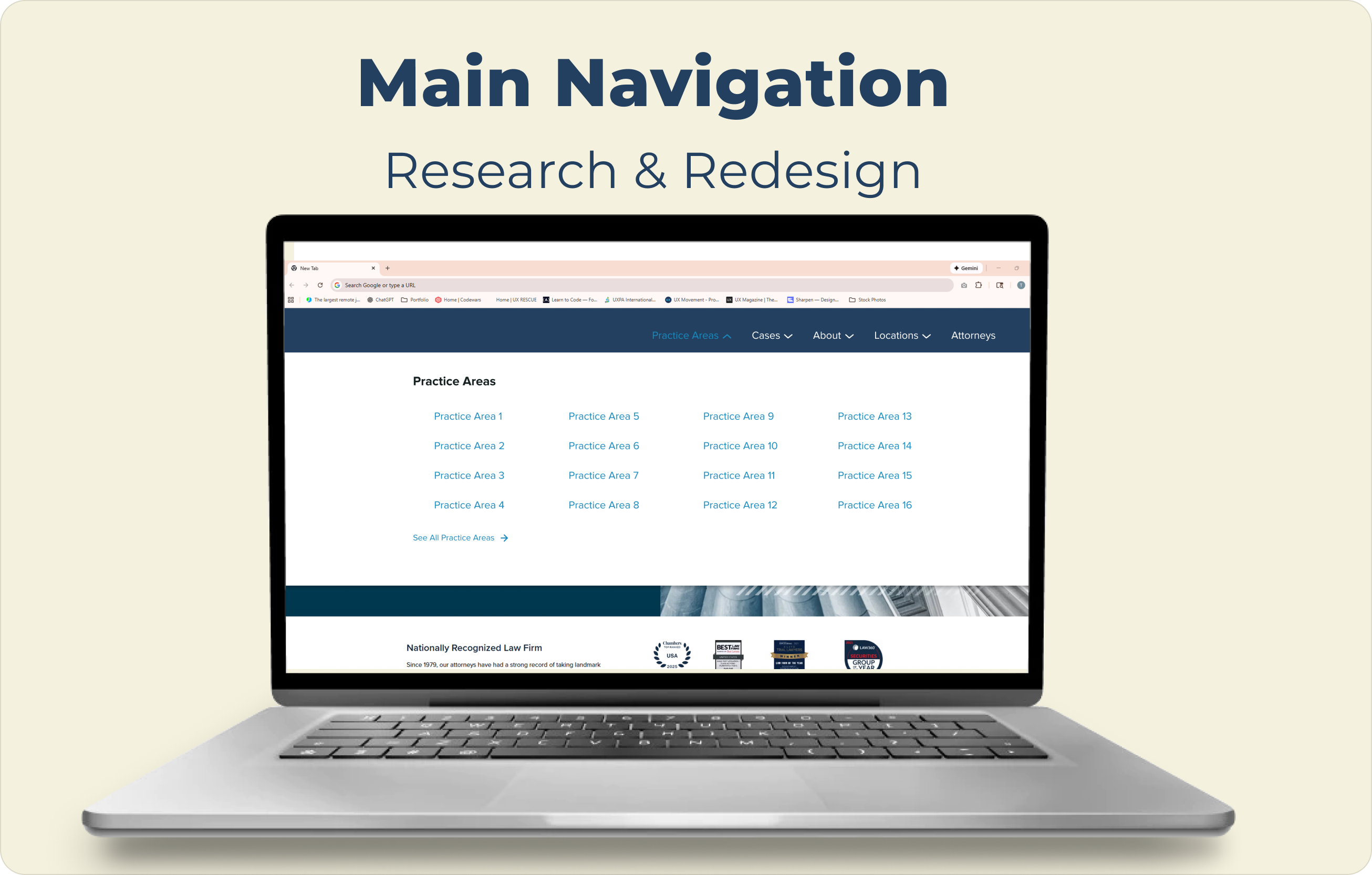
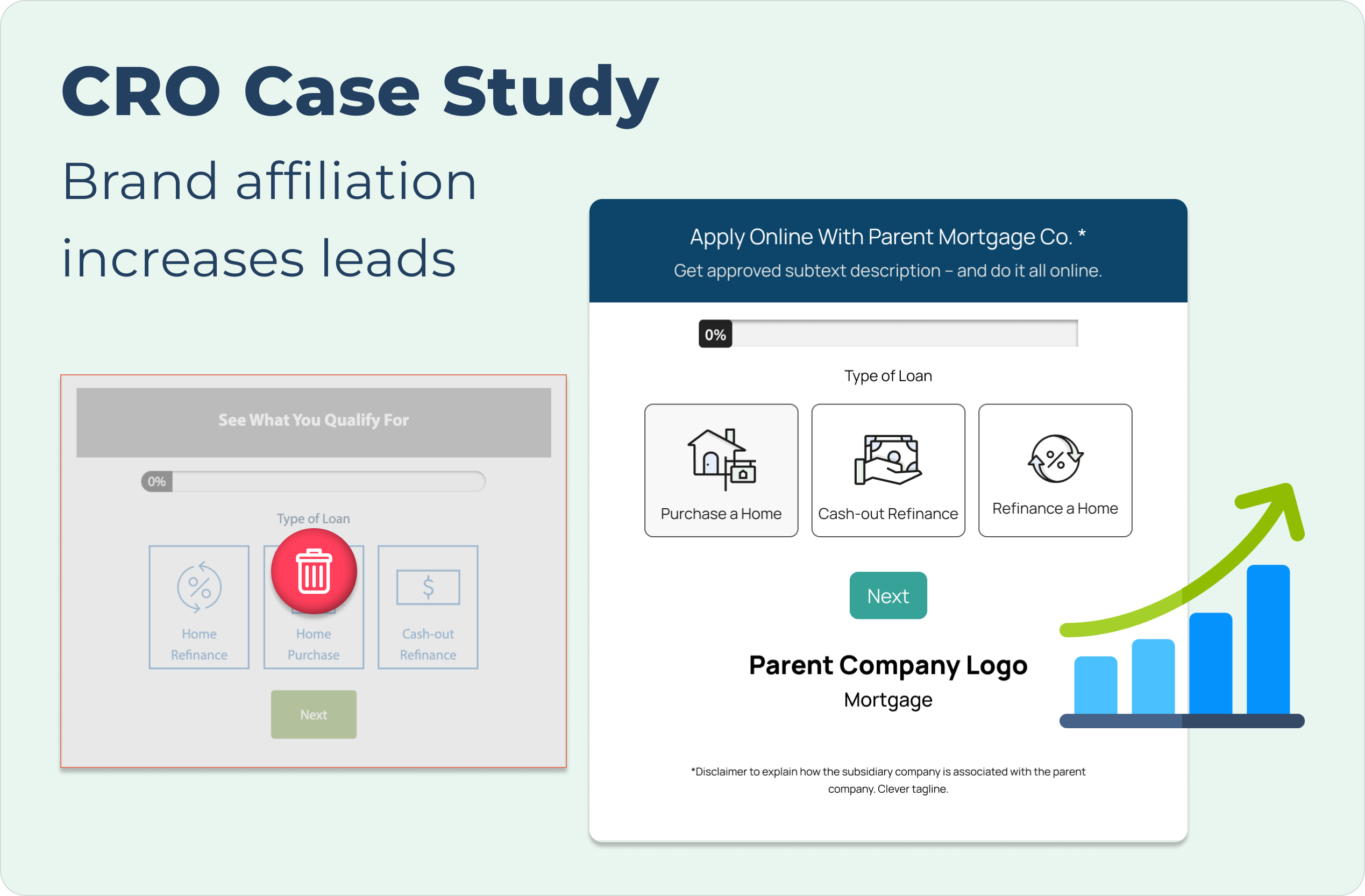
Image for the Main Navigation Research & Design case study cover showing the label text at the top and featuring an open laptop with the screen displaying the navigation from the study to demonstrate what it would look like in practice and as a preview for the full case studyCRO Case Study cover with descriptive text at the top left and images of the before and after lead forms in the case study's A/B test presented with the before being greyed out and a red trash icon in the middle and the after being larger in size and accompanied by an upward progression icon graphic to demonstrate its success over the controlpage optimization case study cover shows the information slightly greyed out with a large "Coming Soon" sign to indicate this is not yet ready for viewingA woman leaning on a railing high above a the city of Hong Kong behind her with the words "Learn More About Me" featured in the top left corner of the image